
Custom Views

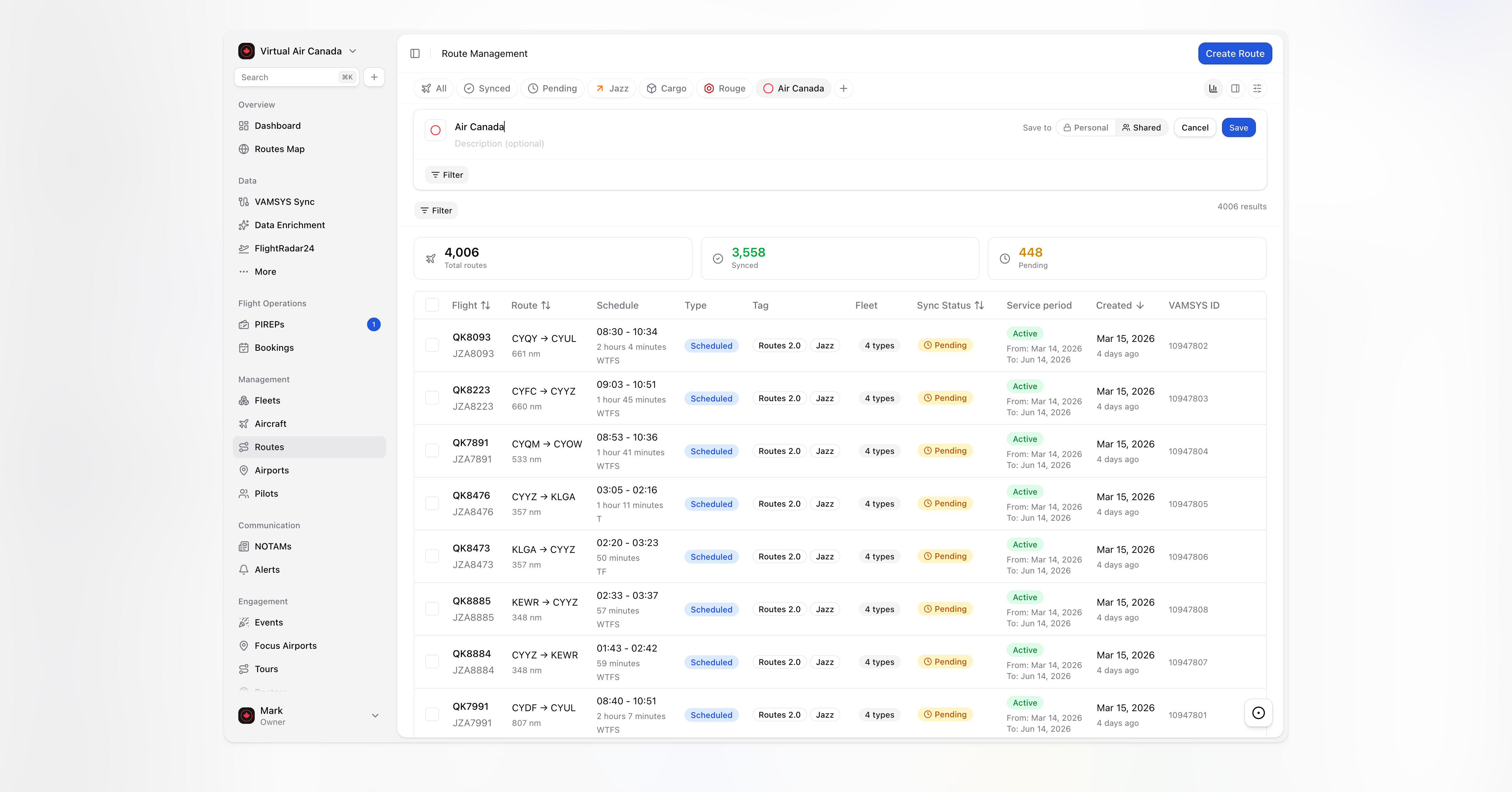
Save your flow with Custom Views
We’ve all been there: you open your dashboard every morning and spend the first five minutes clicking through the exact same three filters just to see what’s on your plate. It’s tedious, and frankly, you have better things to do.
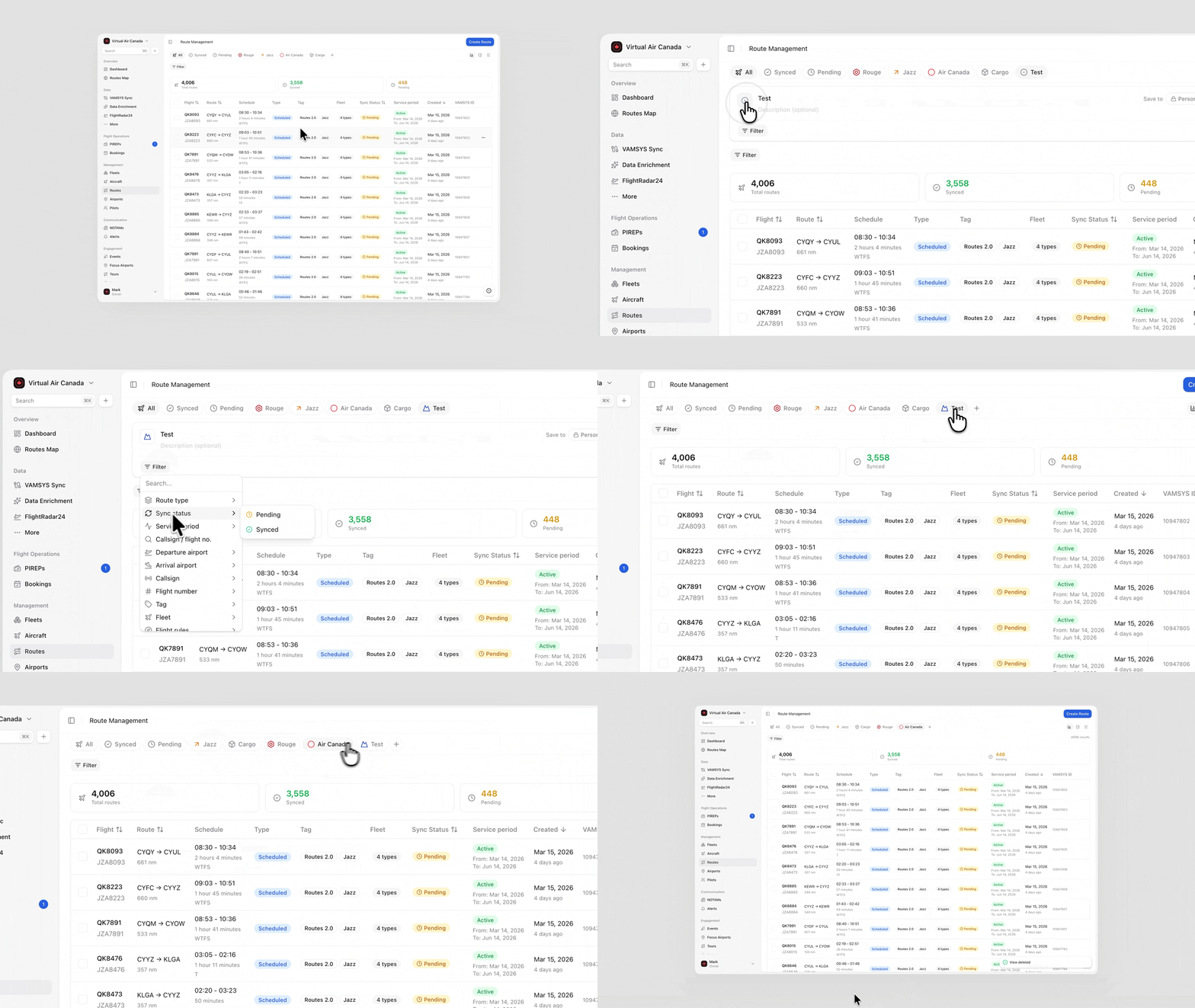
That’s why we’re so excited to introduce Custom Views. Now, you can set up your workspace exactly how you like it and keep it that way forever.
-
Save your setup: Once you’ve dialed in your favorite filters and display settings, just hit save. Your perfect view will be waiting for you exactly where you left it.
-
Private or Shared: Keep your "Pilot Schedule" view to yourself, or share a "Fleet Efficiency" view so your entire operations team is literally on the same page.
-
Make it yours: Give your views some personality. You can pick custom icons and drag-and-drop them in your sidebar so your most important lists are always at the top.
-
No more repetitive clicking: This is the best part. You’ll save those precious minutes every morning because your data is already filtered, sorted, and ready to go.
We hope this makes your workday feel a little lighter. Go ahead and clear out that filter clutter!